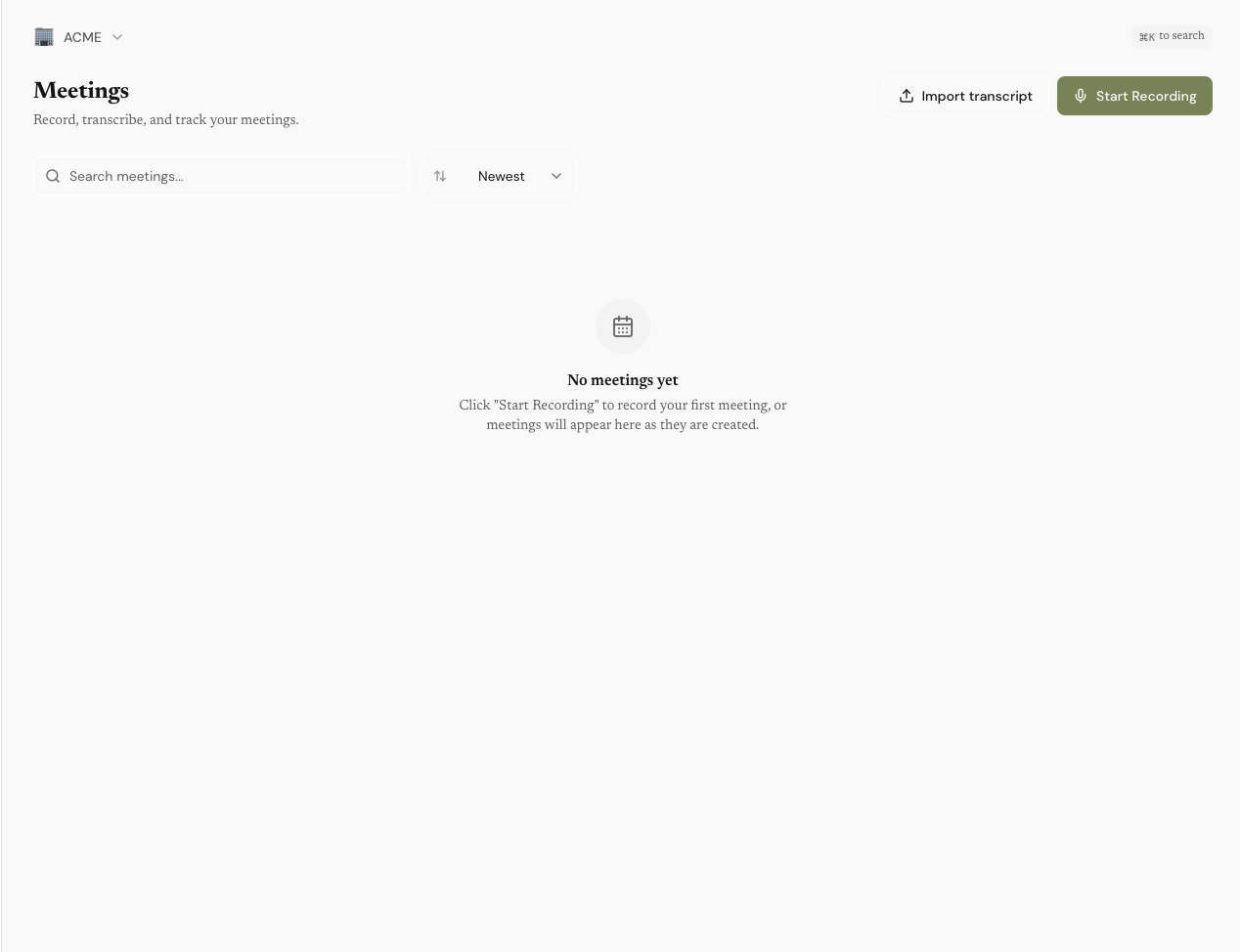
Meeting recording and transcription
Record any call and get a full transcript without leaving your desktop. Transcription runs locally by default, with optional cloud transcription for higher accuracy.
- Record Zoom, Google Meet, Teams, or in-person conversations
- Local Whisper transcription — free, unlimited, completely private
- Cloud transcription option: OpenAI Whisper API or Deepgram Nova-3
- Meeting Shortcuts — one-click follow-up emails, action items, summaries, and custom prompts
- No bot joins your meeting — capture runs on your own device
- Auto-detect calls when they start
- AI enhancement: summary, key points, action items
- Term extraction: deal terms, budget, timeline, requirements
- People extraction: auto-identify attendees and link to your directory
- Calendar integration: auto-populate meeting titles and attendees
AI contract generation
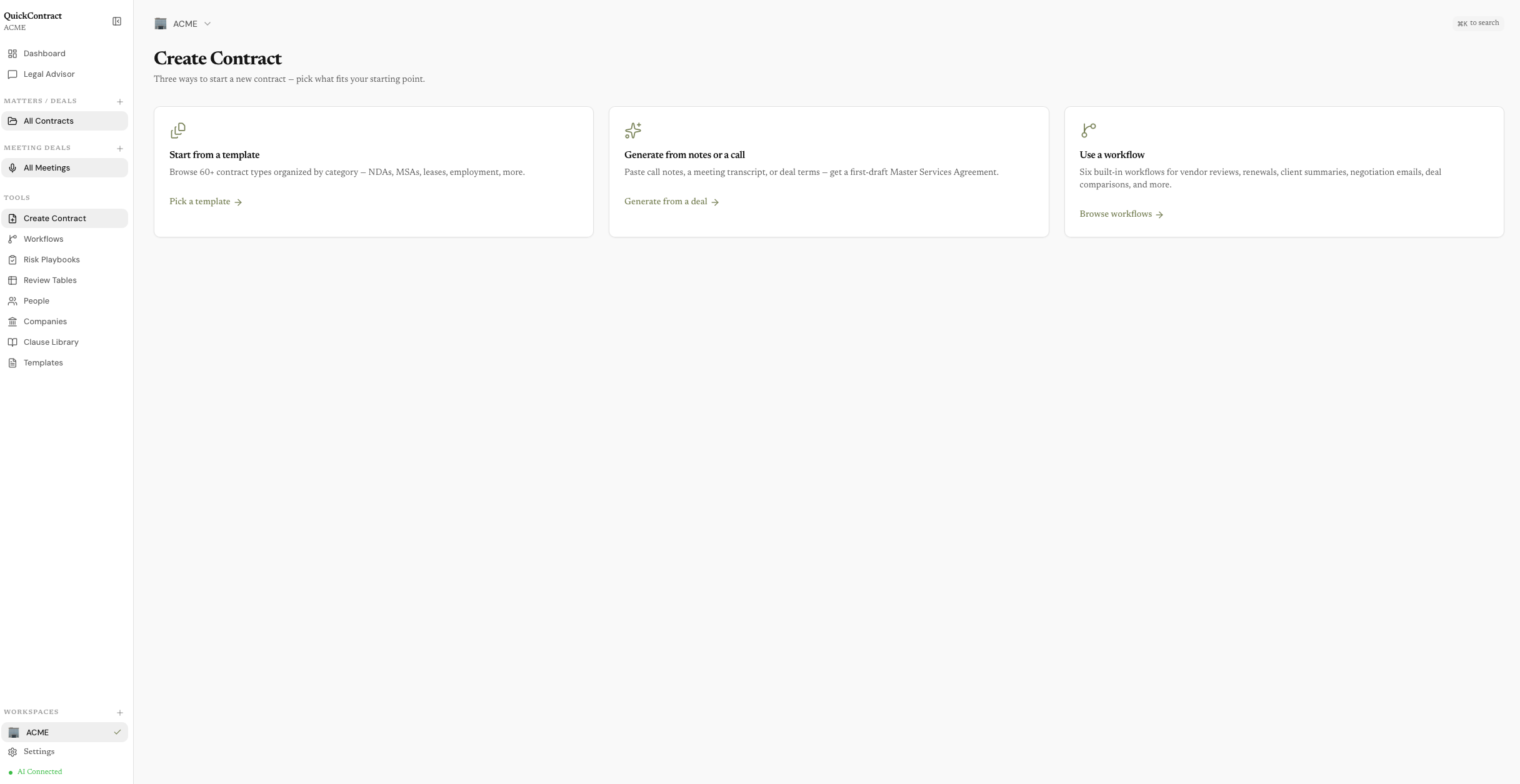
Describe a deal in plain language, fill a structured form, or generate straight from a call. QuickContract produces a complete, jurisdiction-aware contract in seconds.
- 60+ contract types: NDA, MSA, SOW, Employment, SAFE, Lease, Consulting, Advisory, IP Assignment, Subcontractor, Retainer, and more
- Three ways to start: natural-language description, structured form, or a meeting transcript
- Real-time streaming generation — watch the contract write itself
- Personalized to your business profile and jurisdiction
- Export to PDF or DOCX
Contract editing and QuickEdit
Highlight any text in any contract — generated or uploaded — and let AI help you understand, rewrite, or improve it instantly.
- Six AI actions: Explain, Rewrite, Risk-check, Improve, Add clause, Save to library
- Choose rewrite styles: plain language, aggressive, conservative, and more
- Risk highlighting with color-coded severity
- Version history — track every change
- Full HTML editor with formatting toolbar
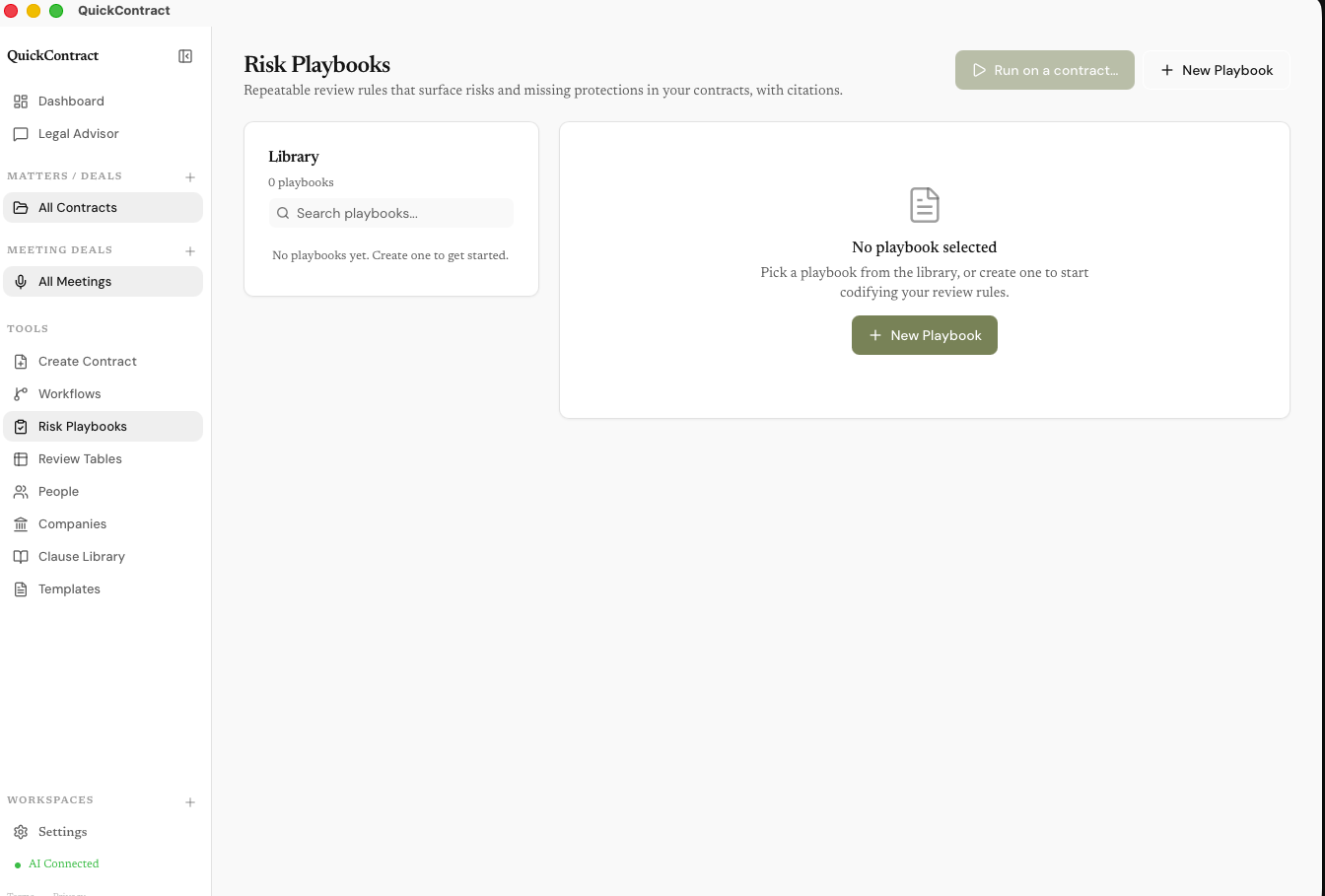
Risk Playbooks
Codify your review rules once. Run them on any contract and get structured findings with severity, suggested fixes, and citations back to the exact clause.
- Built-in playbooks: Vendor Agreement Review, Founder-Friendly SaaS Review
- Each rule has severity (critical / high / medium / low), category, and what to flag
- Optional preferred language — apply a fix and the contract is rewritten with a version snapshot
- Every finding links to the exact clause it came from
- Duplicate any built-in to make your own
Workflows
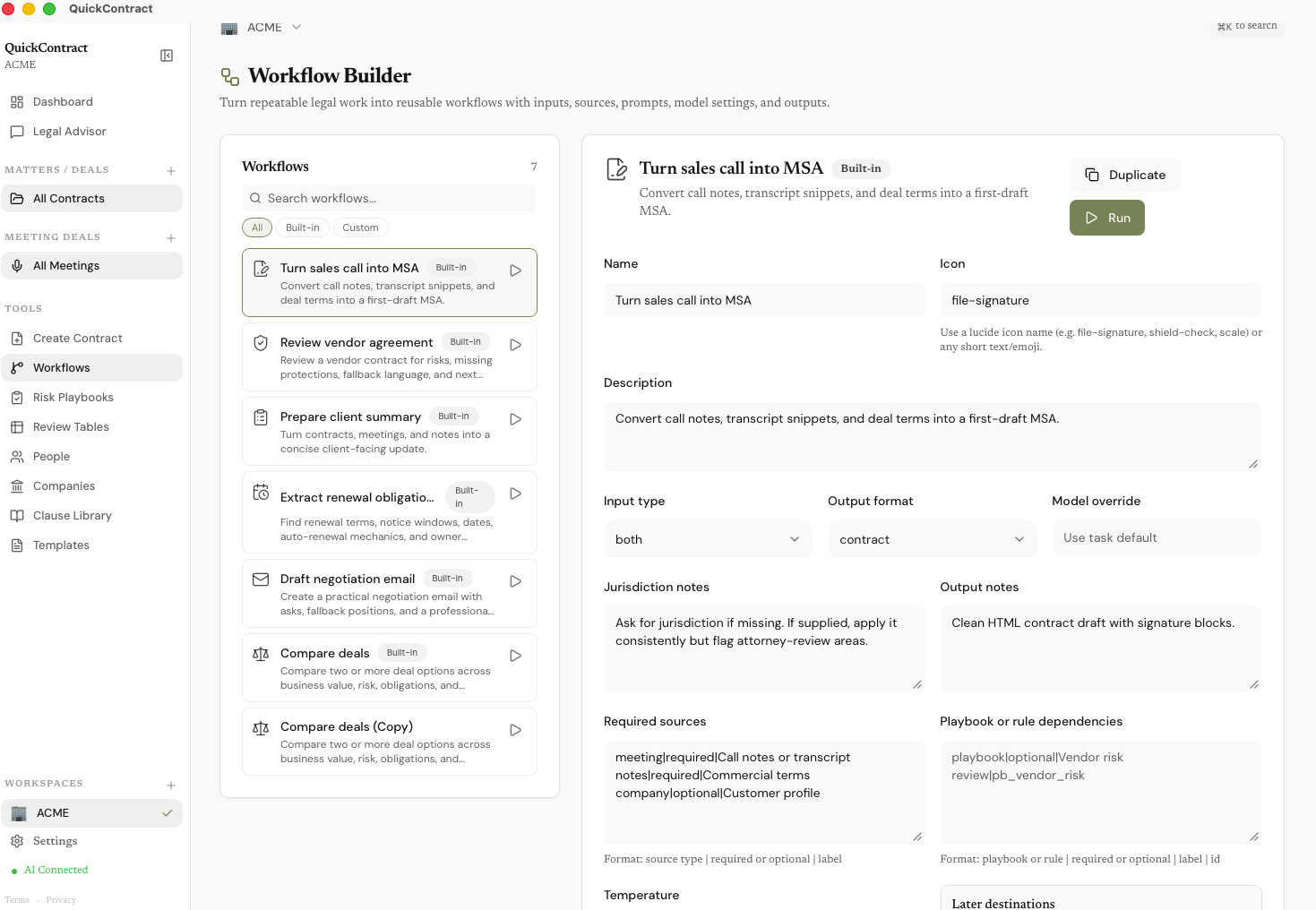
Multi-step automations for repeatable legal work. Inputs go in, structured outputs come out — drafts, reports, emails, comparisons. Six ship built in, and you can duplicate any of them to make your own.
- Sales Call to MSA: meeting transcript → first-draft Master Services Agreement
- Vendor Agreement Review: risk scan plus a memo with fallback language
- Client Summary: contracts, meetings, and notes → client-ready update
- Renewal Obligations: renewal terms, notice windows, and owner actions
- Negotiation Email: send-ready email with asks and fallback positions
- Deal Comparison: side-by-side scoring with a recommendation
- Give any workflow its context — pick contracts, meetings, people, or companies, or drop in a file
- Duplicate any built-in to customize prompts, sources, jurisdiction notes, and output format
Review Tables
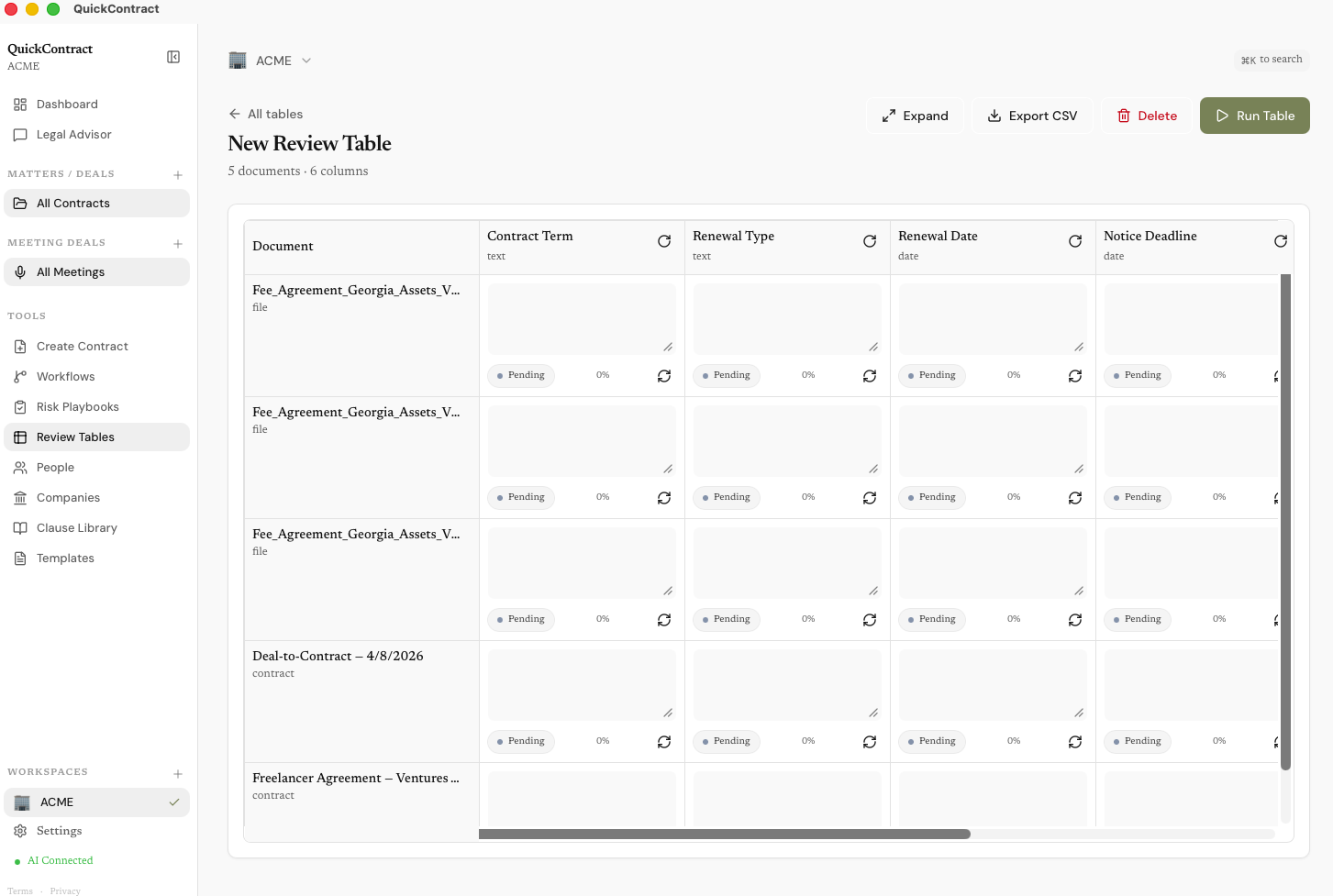
Bulk-extract terms across many contracts at once. Pick a preset, select contracts, click run — every cell fills in with answer, citation, and confidence.
- 5 presets: renewal tracker, vendor risk, sales contract summary, lease terms, employment review
- Or define your own columns — text, date, currency, boolean, risk rating, recommendation
- Each cell has answer + confidence + citation back to the source
- Edit any cell manually, rerun a single cell, or rerun an entire column
- Export to CSV with citations included
- Full-screen mode for big tables
Assistant chat
An AI assistant that works on your connected record — every meeting is linked to its attendees, every person to their company, every contract to the call it came from. Ask anything in plain English and the advisor walks those links to answer.
- "What did David say about payment terms?" — finds the meeting, because David is linked to it
- "Which contracts came out of my calls with Meridian?" — walks company → people → meetings → contracts
- Answers cite the exact meeting or clause they came from
- Pin a contract or meeting to make it the source of truth for the conversation
- Model selection: Claude, GPT-4o, Gemini, or local Ollama
1. Meridian MSA — expires April 30, 2026
2. Atlas NDA — expires May 15, 2026
3. Rivera Consulting — expires June 1, 2026
The Meridian MSA has an auto-renewal clause. You need to send a non-renewal notice 30 days before expiry.
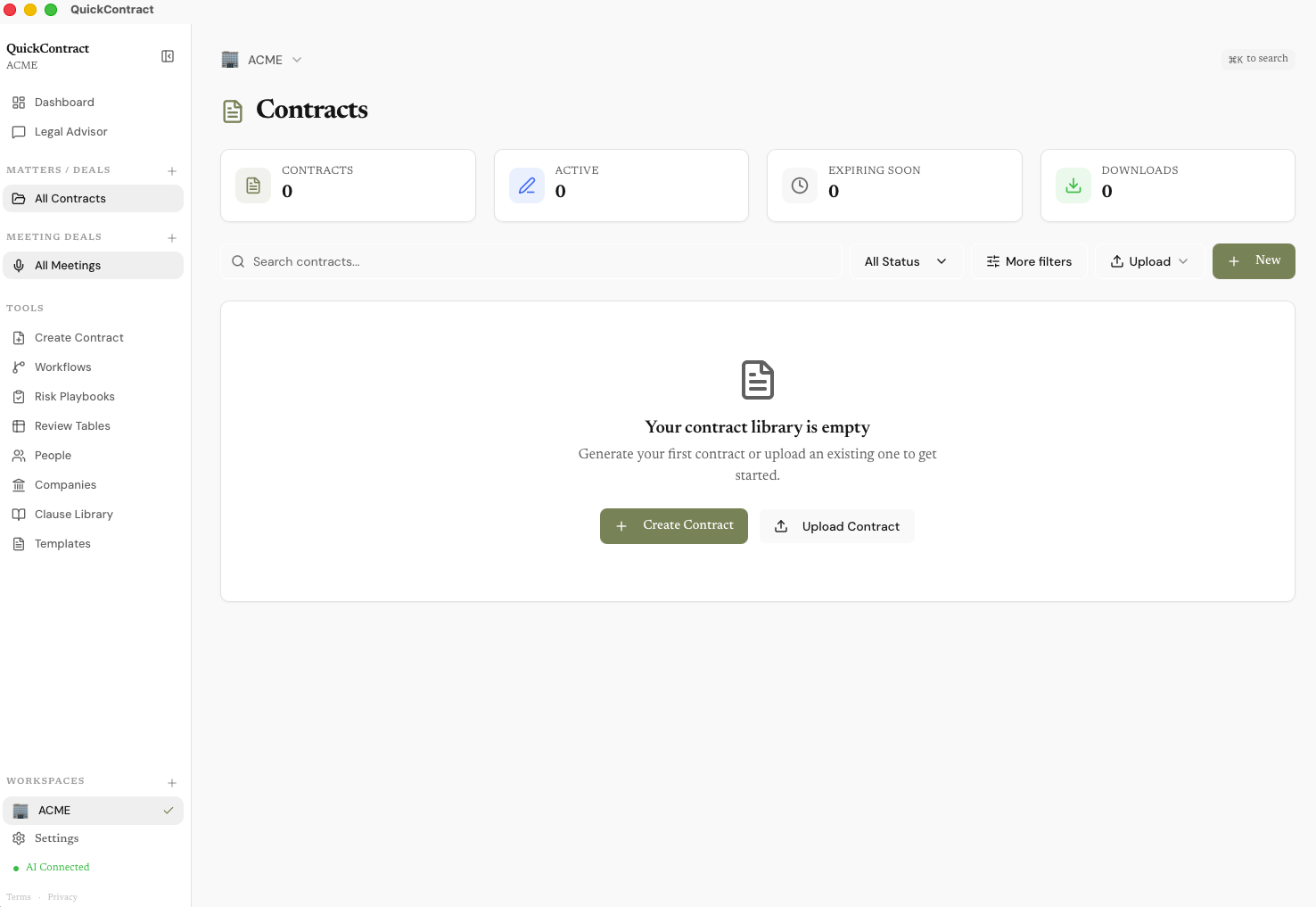
Folders & overview
Group contracts and meetings into folders that keep related work together. Each folder's Overview gives you a timeline, key documents, people, open risks, and recent activity.
- Organize contracts and meetings into folders by client, project, or matter
- Timeline view — every contract, meeting, edit, and AI action in chronological order
- Open risks surfaced from your playbook runs
- Key people and companies associated with the folder
- Recent assistant activity and next actions
- Move a contract between folders any time from its card menu